Threads adds flair tags for community posts
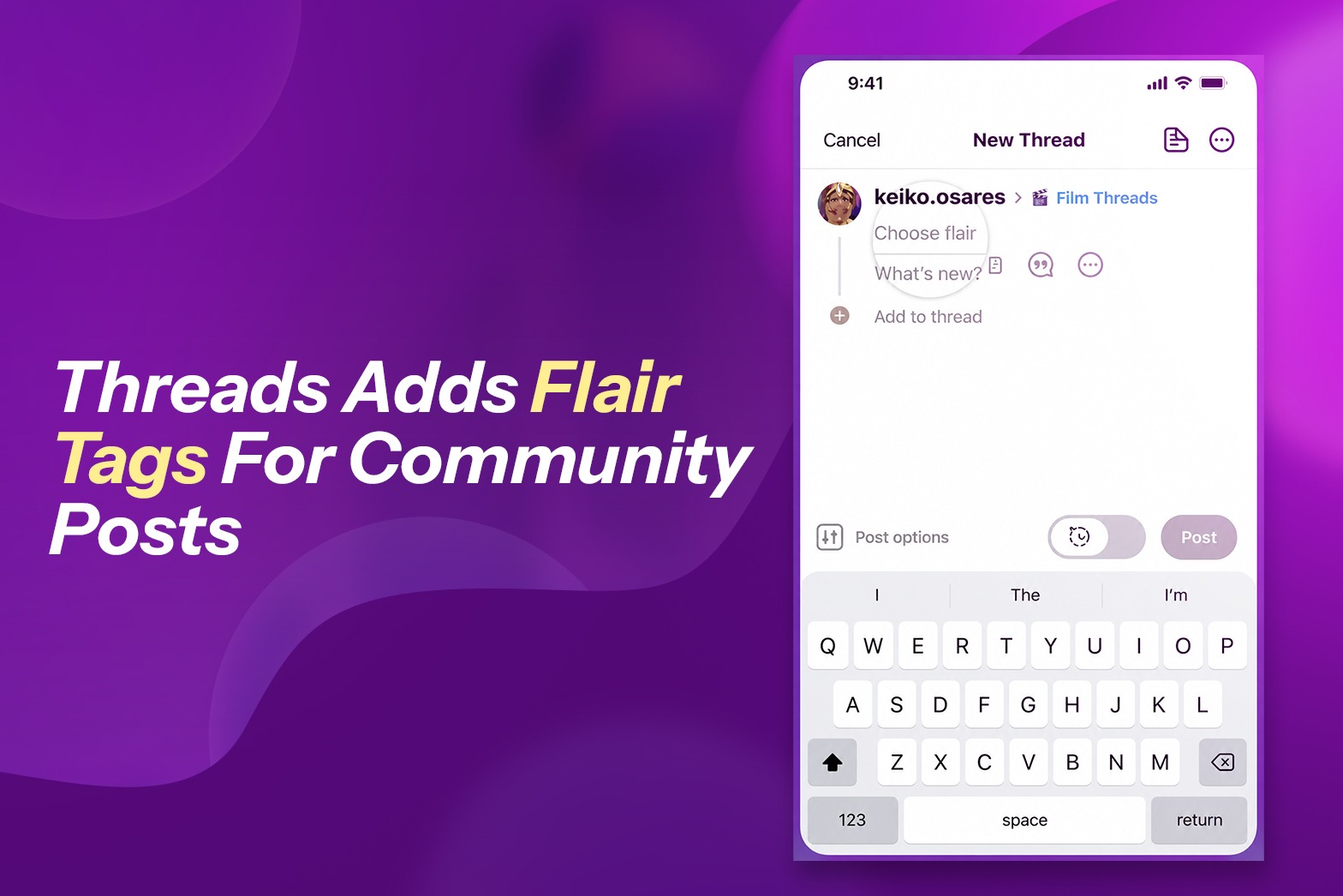
The themed icons show up under usernames and reflect specific subtopic interests within larger discussion groups. Threads has increased the option for community members to add flair icons to their community postings, enabling another tool for the platform to streamline interaction and connection within community discussions.
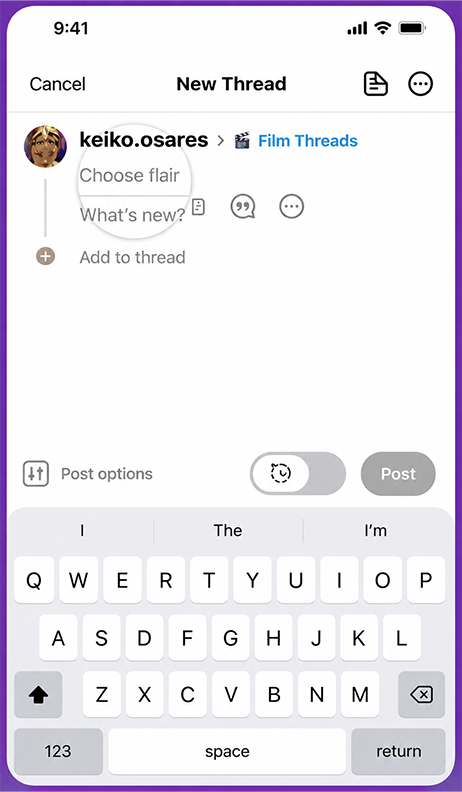
As shown in this image, flair refers to icons and emojis that reflect subtopics within a group. Now, when users post to a community that offers flair, they can add that to their posts and further align their update with interested community members.
For example, a member of the BookThreads community could add a rose icon to show that they’re interested in romance, or a writing icon to indicate that they’re asking about writing.
The flair is displayed under a username on the community post and a user’s subsequent posts within that community will include the same icon by default (users can change this at any time).
This could be another way to make Threads a bigger focus for a broader scope of topical discussions, and help to connect like-minded users around specific topics.
Threads made its topic-based communities available to all users in October, and the platform has continued to add to its array of topical discussion groups ever since. Any topic that gains significant traction gets its own community designation.
The idea is that this will drive more focused discussion and community and make it easier for Threads users to find relevant people to connect with. Indeed, some communities are now branching off into their own subgenres, which is where this new flair option could be particularly helpful.
Threads launched an initial test of community flair in December.
In conclusion, Threads’ new community flair feature adds a simple yet effective way for users to personalize their posts and connect with others who share similar interests. By allowing members to highlight specific subtopics with icons and emojis, Threads makes community discussions more organized, engaging, and easier to navigate. As the platform continues to expand its topic-based communities, flair tags are likely to strengthen user interactions, encourage more meaningful conversations, and help build active, interest-driven communities.
If you want to know more about our blogs, feel free to connect with our LinkedIn page.
Recent Posts
Google Ads Book Buttons Expand To Search & Performance Max
Google is expanding the book button through Reserve with Google partner integration to Google Ads Search and Performance Max ...
OpenAI Allows Health & Finance Ads in ChatGPT: What Marketers Need to Know
The advertising landscape for AI platforms is changing rapidly, and OpenAI’s latest ChatGPT advertising policy updates are ...
How SAGE Can Simplify SEO, AEO and GEO Optimization
Search is changing rapidly. Websites are no longer competing only for traditional Google rankings. With AI-powered search, fe...
What Is HeadingsMap and How Does It Help With SEO?
When optimising a website for search engines, a clear and well-organised heading structure is essential. HeadingsMap is a han...